Download Superna Software
Introduction
This page provides instructions for downloading the latest Superna software. Access to installation and upgrade files is available through the Superna support site. Please follow the steps below to locate and download the appropriate installer for your environment.
Download the latest Superna software
Download files for installations and upgrades from our support site.
-
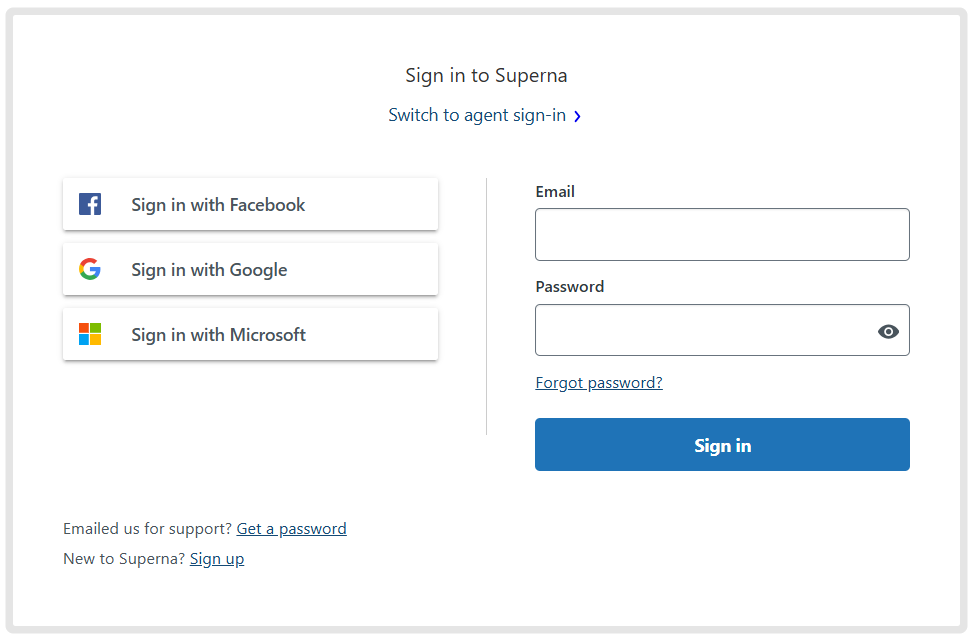
Sign in using your credentials.
-
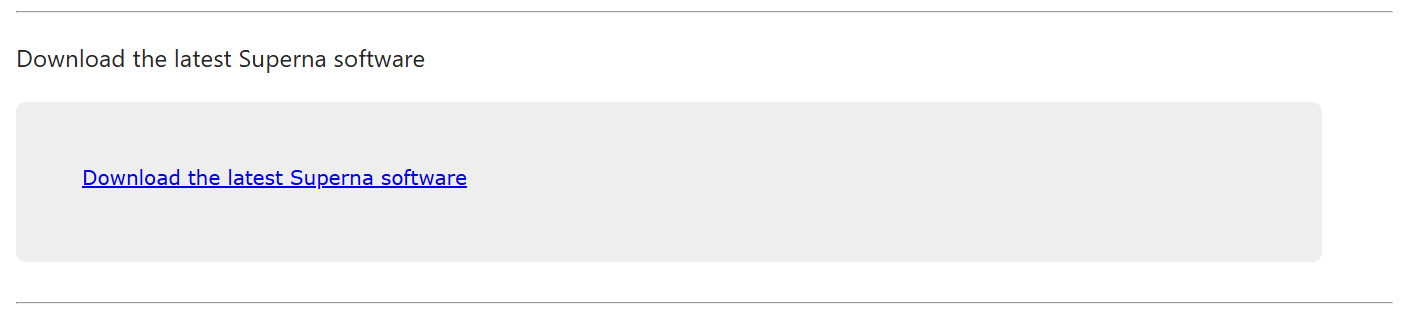
Scroll down and click the link to download the latest Superna software.
-
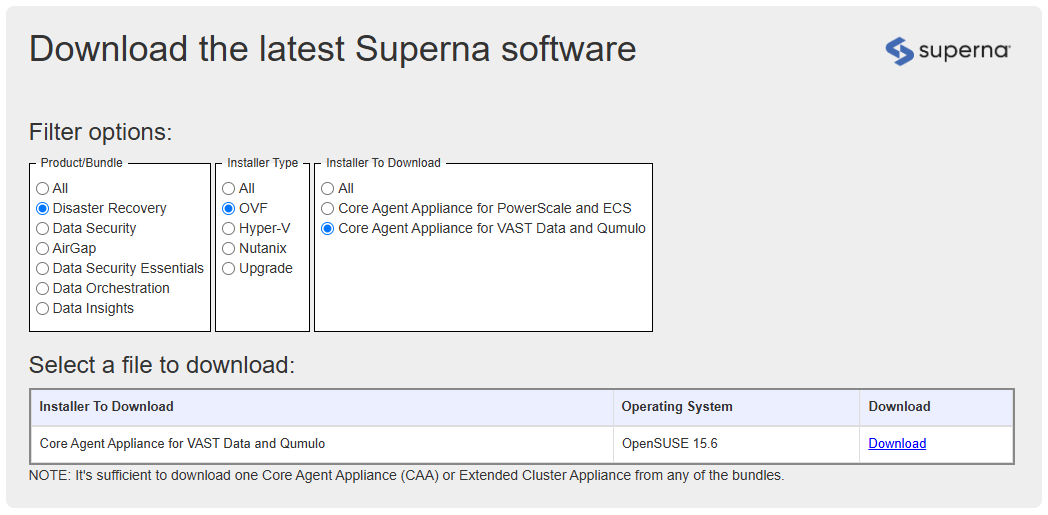
Find and select the installer you wish to download.
Choose the correct link based on your installer type, license, and operating system.
You can use the "filter options" selector to find the correct file for your environment.
-
Click 'Download' on the correct installer.
-
Read and accept the terms and conditions.
Your download will start automatically.