Logging in with User Roles
Logging in with User Roles
info
Here’s how to log in using user roles accounts for enhanced security.
- Navigate to Login Page Go to the Eyeglass login page.
- Enter Credentials: Use your AD credentials mapped to an Eyeglass role.
- Access Dashboard: Upon successful login, you will have access to resources based on your assigned role.
Detailed Steps
- Navigate to Login Page
- Open your browser and go to the Eyeglass login page.
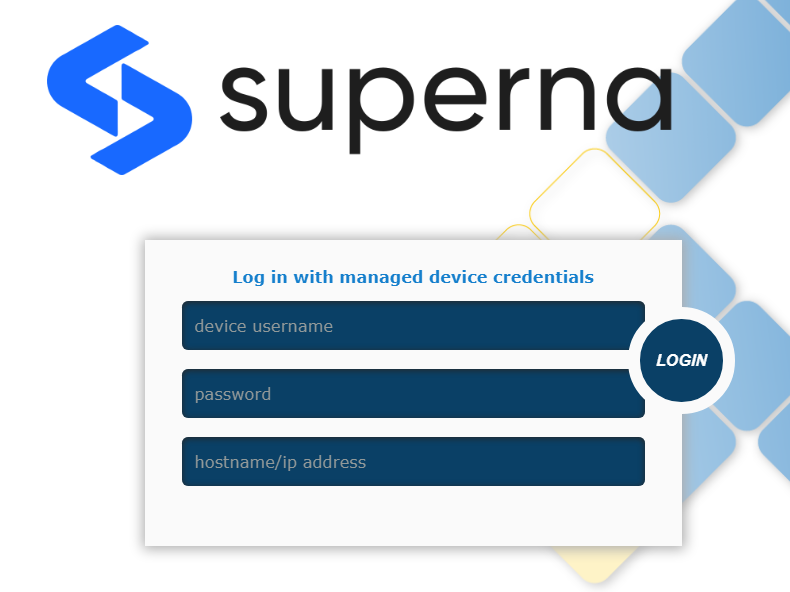
- Open your browser and go to the Eyeglass login page.