Inventory & Licensing
Inventory Overview
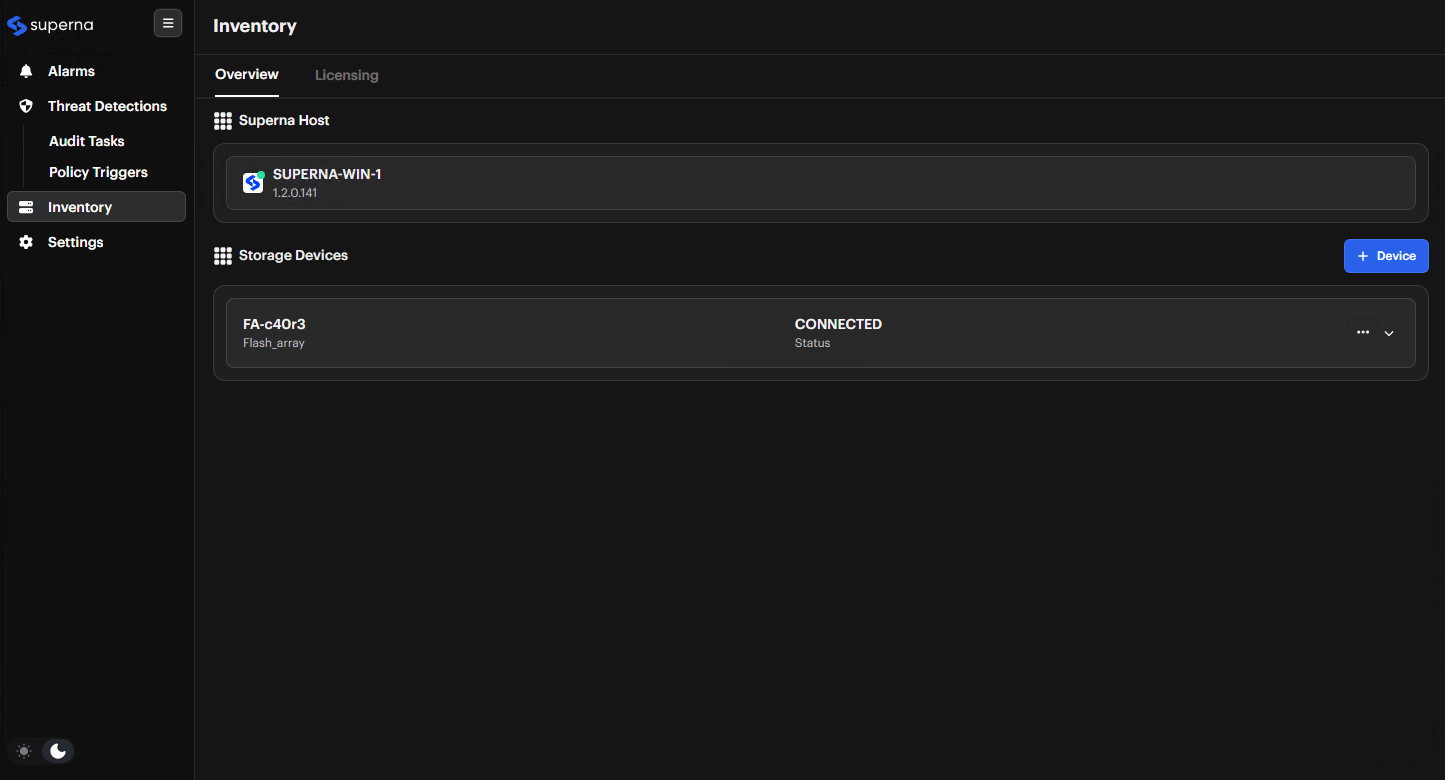
The Inventory section allows you to manage your connected devices and view your licensing status. The Inventory dashboard shows all connected storage devices and their status.
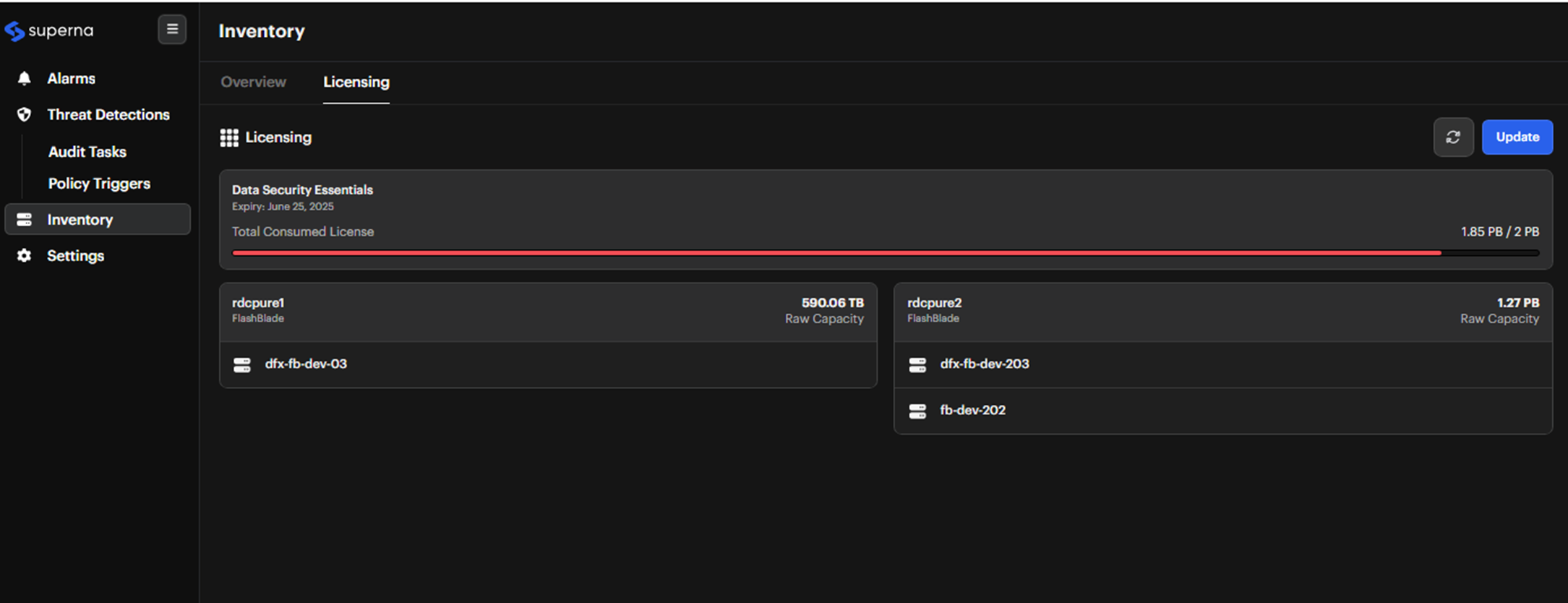
You can also view licensing status, and consumed space in the main overview.
For adding the storage device, see the "In Data Security Essentials" tab in the Storage Integration guide.
License Management
To update your license:
-
Access License Section
Navigate to Inventory -> Licensing tab -
Initiate Update Process
Click the Update button -
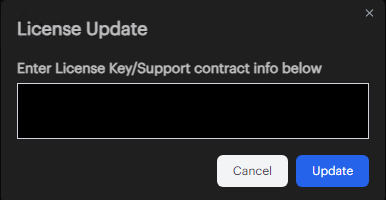
Enter License Details
In the popup dialog, enter your license information and support contract details